
Learn with TCEA?
- Our courses are streamlined for efficient and lasting learning.
- We share ideas and resources that you won’t be able to find anywhere else.
- We also offer ideas and techniques based on years of experience in professional development, integrating educator feedback to always meet the needs of course participants.
Self-Paced Online Course
Google Classroom is a self-paced, online program. Participants can begin anytime and go at their own speed throughout the program.
Upon enrollment, you will receive a program invitation email from TCEA’s learning management system that will give you access to the self-paced course. Within the course, you will find modules that must be completed in sequential order.
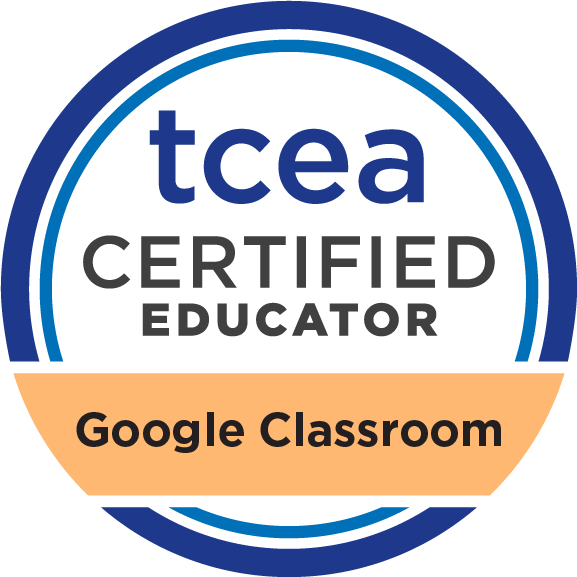
Upon successful completion of all modules, you will receive TCEA’s custom digital badge and certificate. At that point, you may choose to register for TCEA Google Educator Level 1 and/or 2 certification courses.
Course Modules
Setting Up Your Virtual Classroom: Learn to set up Google Classroom, create topics, post announcements, and get students into Google Drive.
Managing Assignments, Announcements, and the Stream: Create and schedule assignments, adapt content from other classes, and manage notifications.
Grading and Assessment: Discover Google Classroom’s built-in assessment tools, including rubrics, and explore web-based assessment options.
Google Meet: Learn to organize synchronous discussions with students using Google Meet’s latest features.
Stay Current with Google Classroom: Access additional resources including books, blogs, and videos to keep up with Google Classroom updates.